




Table of Contents
◉ Introduction ◉ Understanding Premiere Pro and Premiere Rush ◉ Step-by-Step Guidance ◉ Pros, Cons, and Considerations ◉ Practical Example ◉ Common Mistakes and Tips ◉ Comparison Table ◉ FAQs ◉ Conclusion
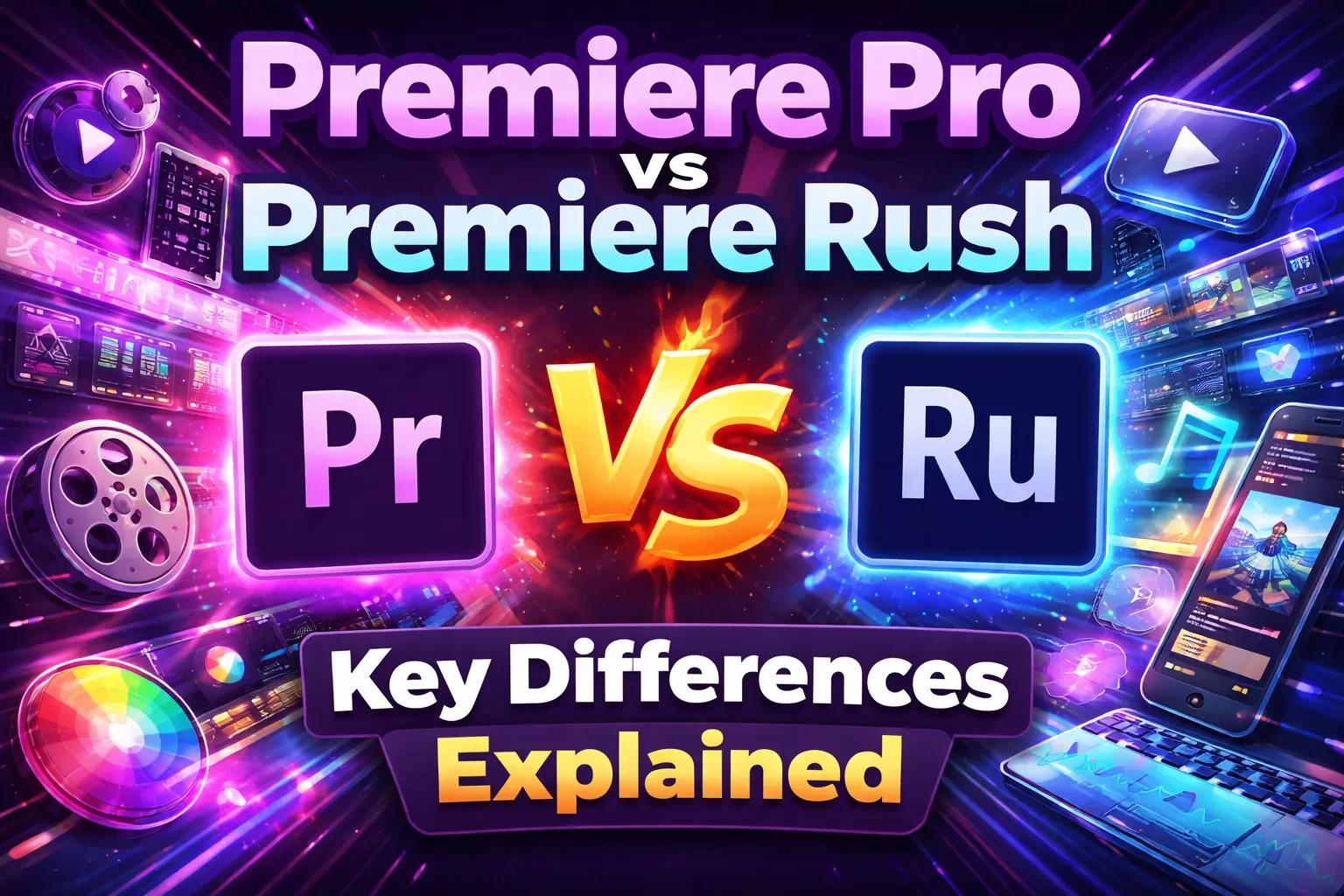
If you're getting started with video editing, one of the most important decisions you'll face is choosing the right tool. A common question is: What is the difference between Premiere Pro and Premiere Rush?
While both applications belong to Adobe’s video editing ecosystem, they are designed for very different workflows. Premiere Pro is a professional-grade editor used in film, television, and commercial production. Premiere Rush, on the other hand, focuses on simplicity and speed, making it ideal for content creators who need to produce and publish videos quickly.
In today’s content-driven landscape—where platforms like YouTube, Instagram, and TikTok prioritize consistency and speed—choosing the right software can significantly impact both productivity and output quality. Many creators now combine tools depending on the type of content they produce, balancing efficiency with creative control.
Understanding Premiere Pro and Premiere Rush
Premiere Pro: Advanced Editing for Professional Workflows
Premiere Pro is a comprehensive video editing platform built for professionals who require precision and flexibility. It is widely used across industries for high-quality production work.
Key capabilities include:
• Multi-camera editing and timeline control
• Advanced color correction tools (Lumetri)
• Professional audio editing and mixing
• Broad file format compatibility
• Integration with other creative tools for motion graphics and design
Although it offers powerful features, Premiere Pro requires time to learn and is best suited for users who need full creative control.
Premiere Rush: Fast and Accessible Editing
Premiere Rush is designed for speed and ease of use. It simplifies the editing process while still providing essential tools for creating polished content.
Core features include:
• Simple drag-and-drop editing interface
• Pre-built motion graphics templates
• Automatic audio balancing (ducking)
• Direct publishing to major social platforms
• Cloud synchronization across devices
Rush is particularly useful for social media creators, marketers, and beginners who need to produce content efficiently without a steep learning curve.
Step-by-Step Guidance: Choosing the Right Tool
1. Define Your Objective
• Short-form or social content: prioritize speed with Premiere Rush
• Long-form or high-production content: use Premiere Pro for precision
2. Assess Your Experience
• Beginners: benefit from Rush’s simplicity
• Intermediate to advanced users: gain more value from Pro
3. Consider Your Workflow
• Mobile editing or quick uploads: Rush is optimized for flexibility
• Desktop-based editing: Pro offers better performance and control
4. Evaluate Output Requirements
• Social media formats: Rush is optimized for platform-ready exports
• Professional delivery formats: Pro supports advanced export settings
Pros, Cons, and Considerations
Premiere Pro
Advantages
• Professional-level editing capabilities
• High customization and scalability
• Suitable for complex projects
Limitations
• Steeper learning curve
• Requires more powerful hardware
• More time-intensive workflow
Consideration
Beginners may find the interface overwhelming without prior editing knowledge.
Premiere Rush
Advantages
• Easy to learn and use
• Designed for fast content creation
• Works across multiple devices
Limitations
• Limited advanced features
• Less control over detailed edits
• Not ideal for complex productions
Consideration
Projects that require advanced editing may need to be completed in more robust software.
Practical Example
Consider a content creator managing both daily social media posts and in-depth video tutorials.
• For quick social videos: Rush allows fast editing and immediate publishing
• For detailed tutorials: Pro enables precise editing, graphics, and color correction
Using both tools strategically can improve efficiency while maintaining quality across different types of content.
Common Mistakes and Tips
Common Mistakes
• Starting with advanced tools without learning fundamentals
• Using simplified tools for complex projects
• Ignoring export settings for different platforms
• Not managing storage when working across devices
Practical Tips
• Start simple and scale your workflow gradually
• Use templates to save time on repetitive tasks
• Learn basic editing principles before advanced techniques
• Keep your software updated for performance improvements
Comparison Table
| Feature | Premiere Pro | Premiere Rush |
|---|---|---|
| Target User | Professionals | Beginners & creators |
| Devices | Desktop | Desktop + Mobile |
| Capabilities | Advanced editing | Basic editing |
| Exports | Professional formats | Social media optimized |
| Learning Curve | High | Low |
FAQs
Is Premiere Rush free?
It offers a limited free plan. Full functionality requires a subscription.
Can projects be transferred?
Yes, projects can be opened in Premiere Pro for further editing.
Which is better for YouTube?
Rush is suitable for quick uploads, while Pro is better for high-quality production.
Do I need both?
Not necessarily, but using both can improve workflow flexibility.
Conclusion
The main difference between these tools comes down to depth versus simplicity. Premiere Pro offers advanced control for detailed projects, while Premiere Rush focuses on speed and accessibility.
Rather than choosing one over the other, many creators benefit from combining both—using Rush for fast content creation and Pro for more refined work. This approach allows you to stay efficient while maintaining high-quality output.